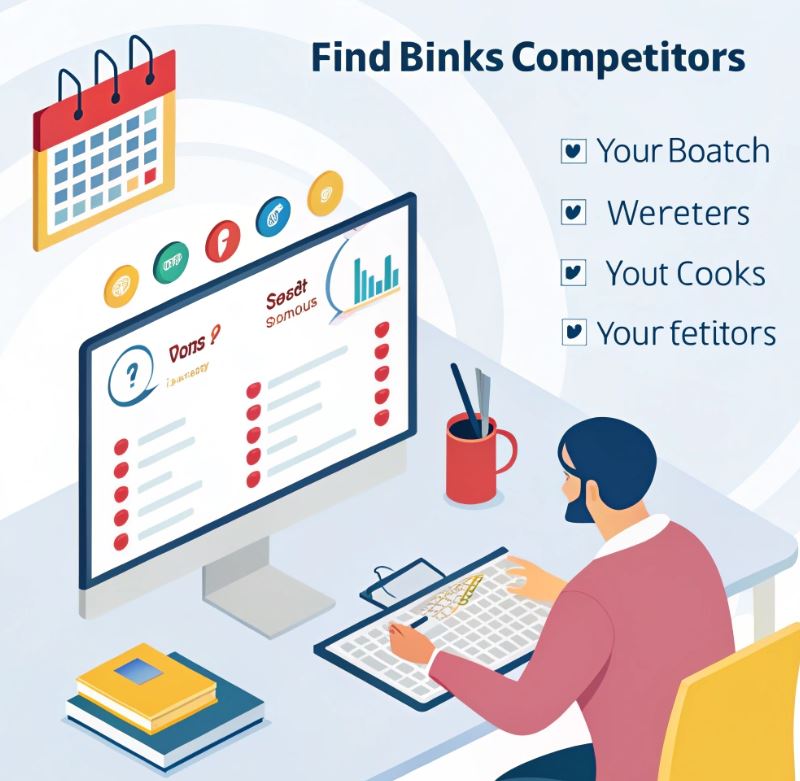
If you want to improve your SEO and outrank your competitors in search results, one of the smartest strategies is to find your competitors' backlinks.
Backlinks remain a key ranking factor not only for Google, but also for Bing and other search engines, and are increasingly considered by AI-powered search tools that analyze site authority, relevance, and content quality.
By understanding where your competitors are getting their links from, you can replicate their success, or even surpass it, while optimizing your website for both traditional search engines and AI-based recommendations.
With Lookkle Backlink Checker, this process is quick, easy, and practical.
Here's a step-by-step guide.
1. Understand Why Competitor Backlinks Matter
Before jumping into tools, it’s important to know why tracking competitor backlinks is valuable:
-
Identify link opportunities: If your competitor gets a backlink from a high-authority site, you can reach out for a similar link.
-
Spot gaps in your link profile: See which websites are linking to them but not to you.
-
Improve your SEO strategy: Focus on links that actually impact rankings.
2. Enter Your Competitor’s Domain
Open Lookkle Backlink Checker and type in the domain of the competitor you want to analyze, for example:
www.competitor.com
Click Analyze. Lookkle will generate a comprehensive list of backlinks pointing to that competitor.
Lookkle's Backlink Checker allows you to:
— lOOkkle (@lookkleweb) September 24, 2025
- Identify all the links pointing to your website
- Detect toxic links that are hurting your rankings
- Analyze your competitors' backlinks
Monitoring your links = monitoring your rankings ????#SEO #MarketingTips #digitalart pic.twitter.com/o5idsphNSr
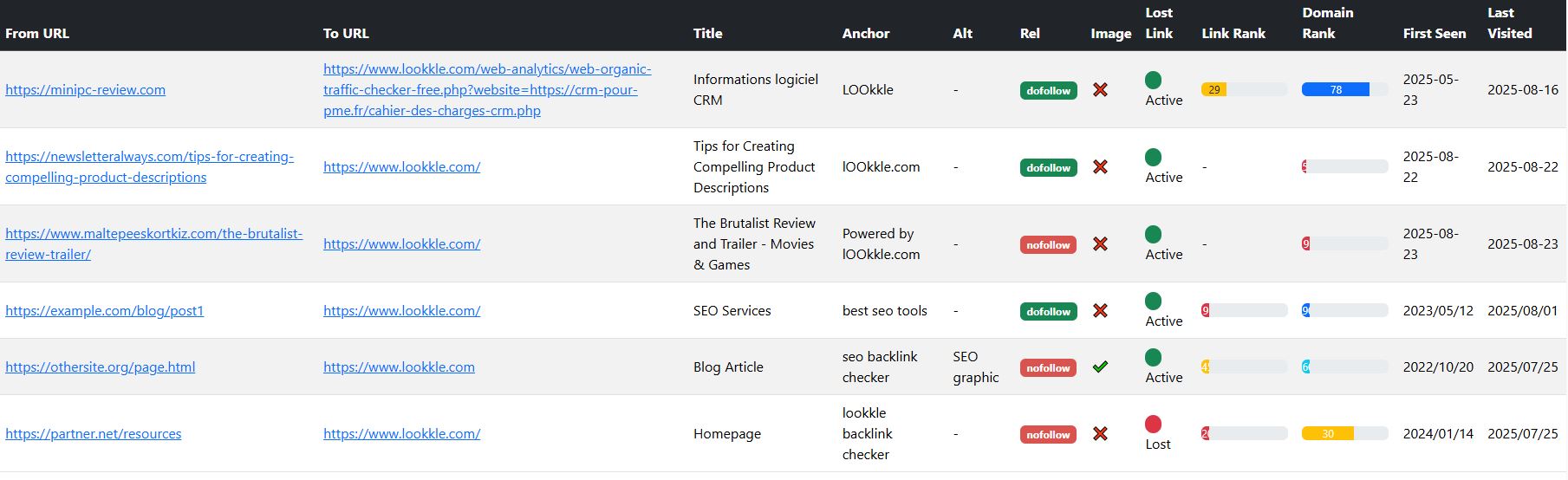
3. Explore Key Metrics
Once the results load, you can review:
-
Total number of backlinks pointing to their site
-
Referring domains and their authority
-
Anchor text used in the backlinks
-
Link type (dofollow/nofollow)
???? Tip: Focus on high-authority links that are relevant to your niche—these are the ones most likely to impact your rankings.
4. Filter and Prioritize Links
Lookkle allows you to filter backlinks by:
-
Domain authority: prioritize links from trusted sites
-
Link type: dofollow links carry SEO weight
-
Date: see recent vs. historical links
This helps you identify the most valuable links to replicate.
5. Turn Insights into Action
After analyzing your competitor’s backlinks, you can:
-
Reach out to sites linking to competitors with your content or offers
-
Create similar high-quality content that earns links naturally
-
Monitor competitor strategies to stay ahead
Tracking competitor backlinks regularly can give you a competitive edge in SEO.
6. Export Reports for Better Analysis
Lookkle lets you export reports in CSV or PDF, so you can:
-
Keep track of competitor link growth
-
Compare your own backlinks to theirs
-
Track outreach progress and link acquisition
Conclusion
Learning how to find backlinks of competitors is one of the smartest SEO strategies.
With Lookkle Backlink Checker, you can discover link opportunities, analyze authority, and strengthen your own SEO strategy.
Start today and turn competitor insights into real growth for your website.
Try Lookkle Backlink Checker now and analyze competitor backlinks