1. Use a Custom Launcher
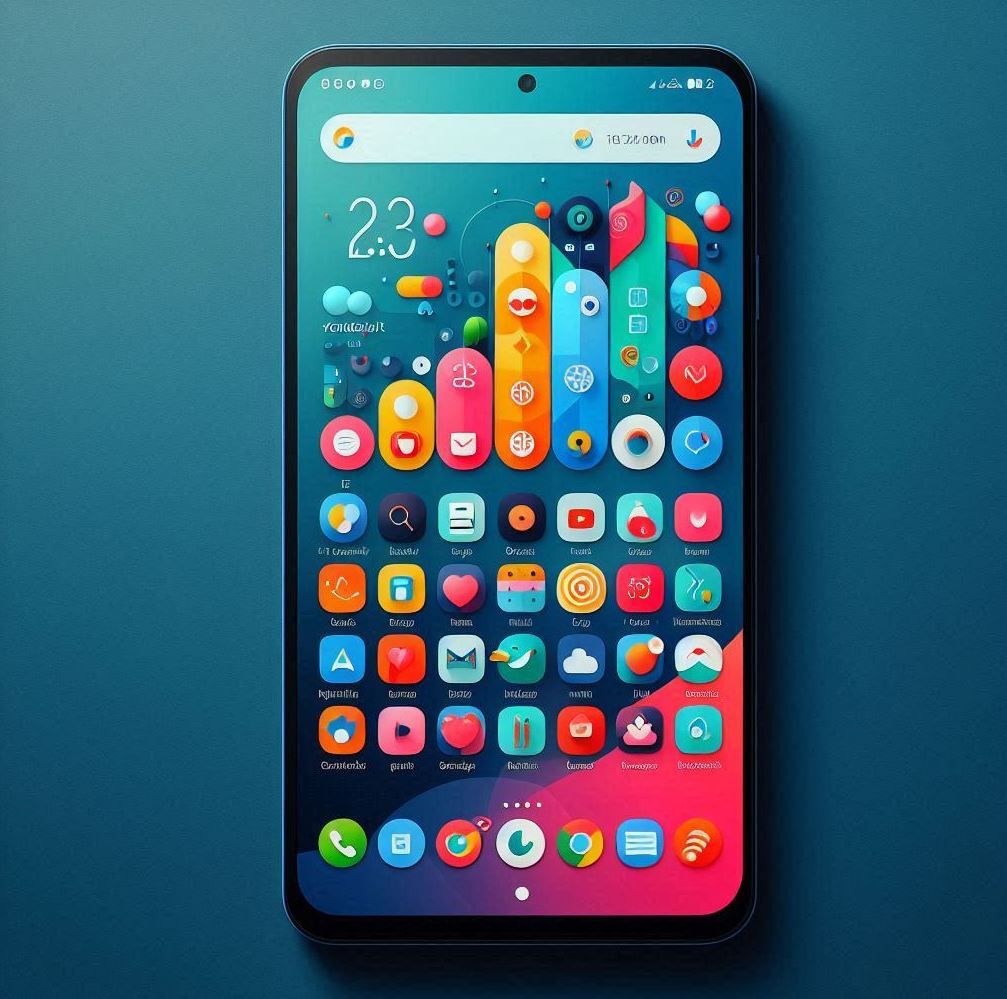
Launchers like Nova Launcher allow you to customize your home screen layout, icons, gestures, and more.
2. Apply Icon Packs
Icon packs can change the look of your app icons. Apps like Simplet Icon Pack offer thousands of custom icons.
3. Set Custom Wallpapers
Apps like Moonlight Wallpapers provide high-quality wallpapers to change your background.
4. Add Widgets
Widget apps like KWGT allow you to create and customize widgets for your home screen.
5. Customize the Keyboard
Apps like Keys Cafe let you change the look and layout of your keyboard.
6. Use Theming Apps
Some apps allow you to apply complete themes to change the overall look of your device.
7. Modify the Navigation
Apps like Smart Dock can add custom docks and navigation options.
8. Customize the Lock Screen
Apps like KLCK allow you to create custom lock screens.
9. Use System Customization Features
Many Android phones have built-in customization options in the Settings app.
10. Apply System-Wide Themes
Some Android versions allow you to apply system-wide color themes.
11. Customize Notifications
Apps like DynamicSpot can modify how notifications appear.
12. Use OEM Tools
Some manufacturers provide additional customization tools, like Samsung's Good Lock.These customization options can vary depending on your specific Android device and version, and many require installing third-party apps from the Google Play Store.